KDP publishing
KDP listing metadata
A KDP listing needs a description and seven backend keywords. The listing generator writes both for you — formatted to fit Amazon’s limits and ready to paste in.
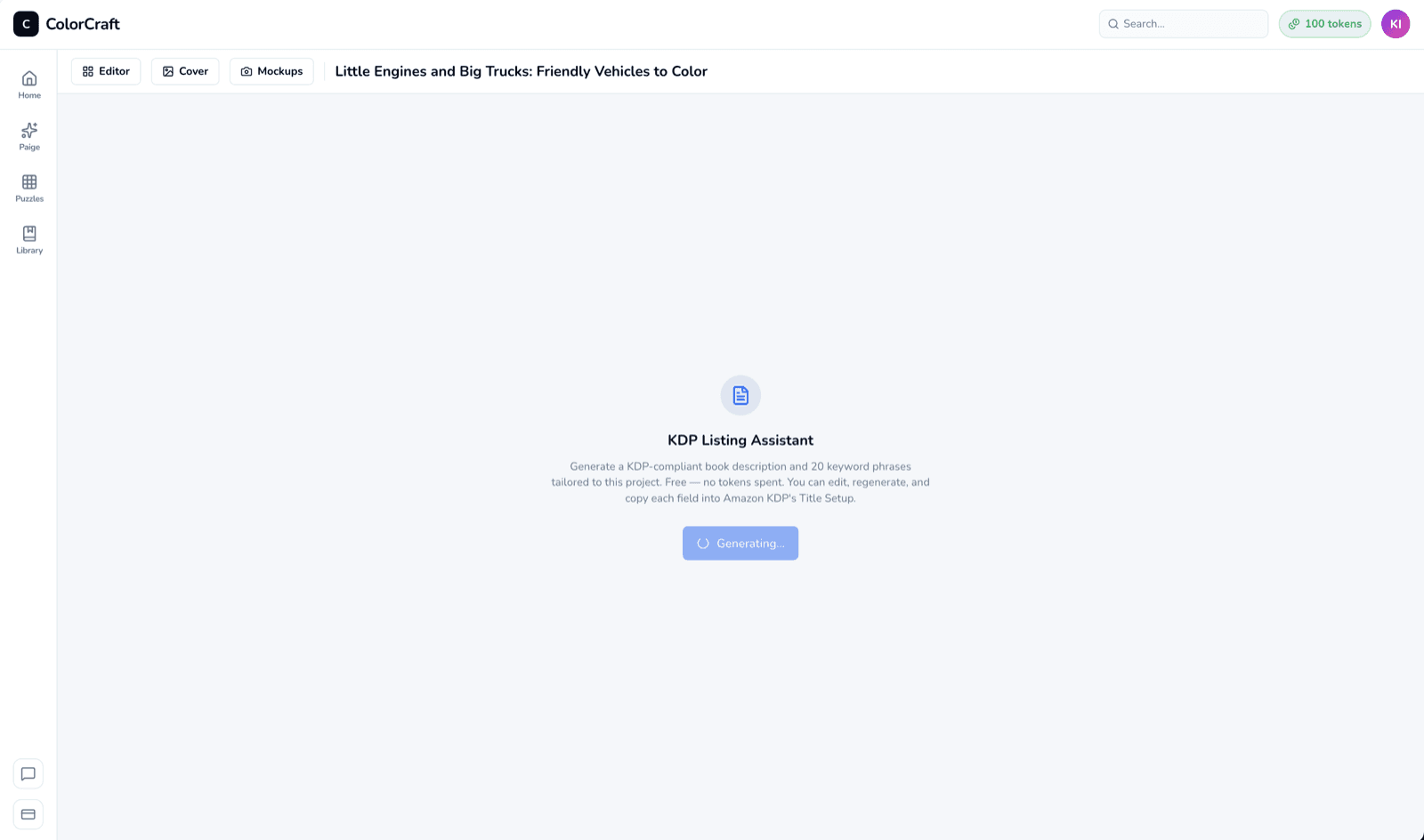
What it writes
- Description — a full-length product description with light HTML (
<b>,<ul>, etc.) that Amazon renders on the listing page. Sized to the 1,500–2,500-character sweet spot; hard-capped at KDP’s 4,000-character limit. - 20 keyword candidates — you pick the 7 best for KDP’s backend keyword slots. Each candidate is under KDP’s 50-character-per-slot cap.
Preview and edit
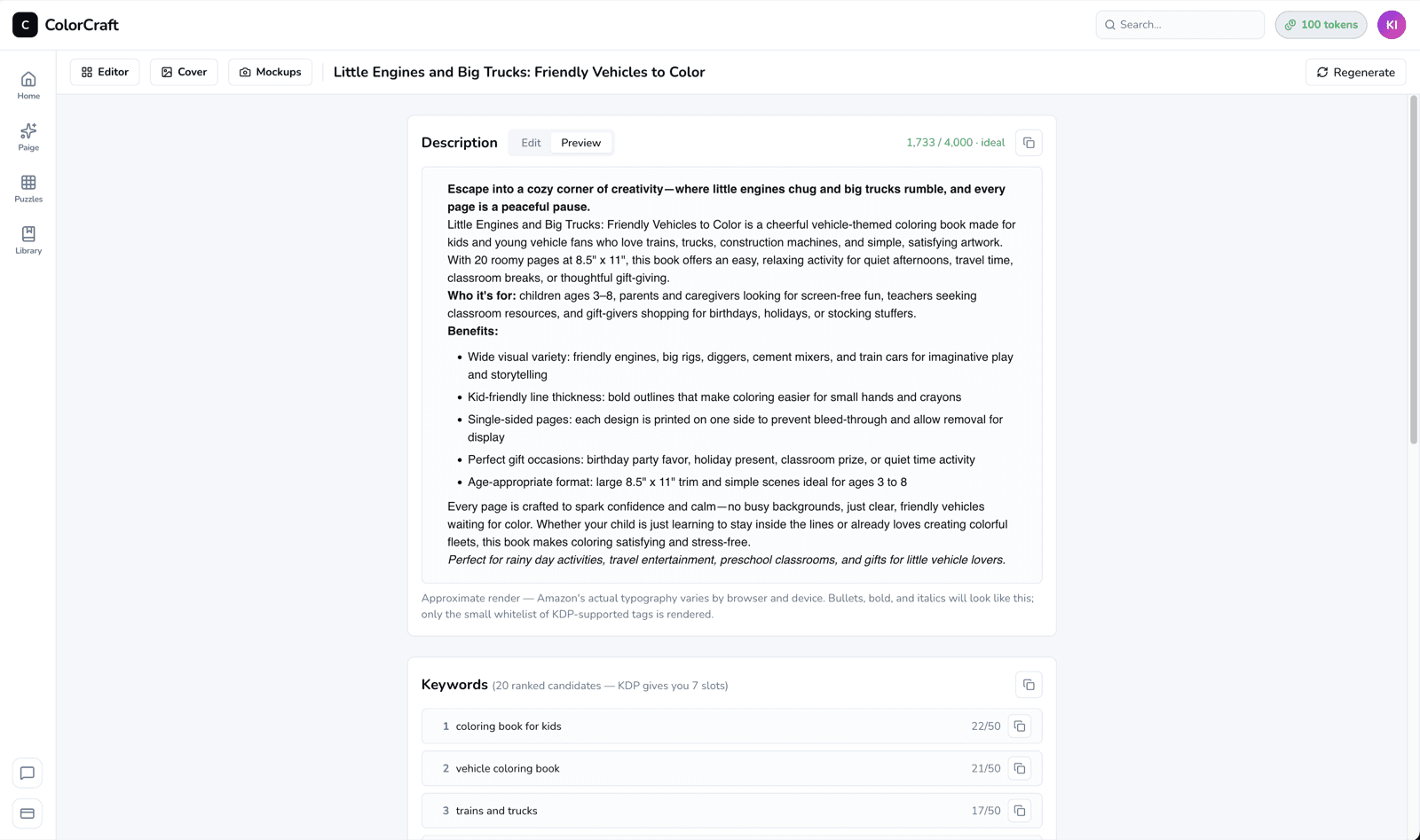
Both fields are editable — tweak the description, pick different keywords, then paste the result straight into KDP. Everything you save is stored on the project, so revisiting the page brings back the last version.
Cost
Free. Listing generation doesn’t spend tokens — it’s a small text call, not an image render.
Not sure what to publish?
Once you have a description and keywords you like, hop over to mockups for the listing images, then you have everything KDP asks for.
Generate a listing
Description, keywords, done. Paste straight into KDP.