Editor
My Pages library
Every page you generate lands in /my-pages— a flat, book-agnostic library of everything you’ve ever made. It’s the fastest way to reuse an old page, find a mockup, or start a one-off outside the book workflow.
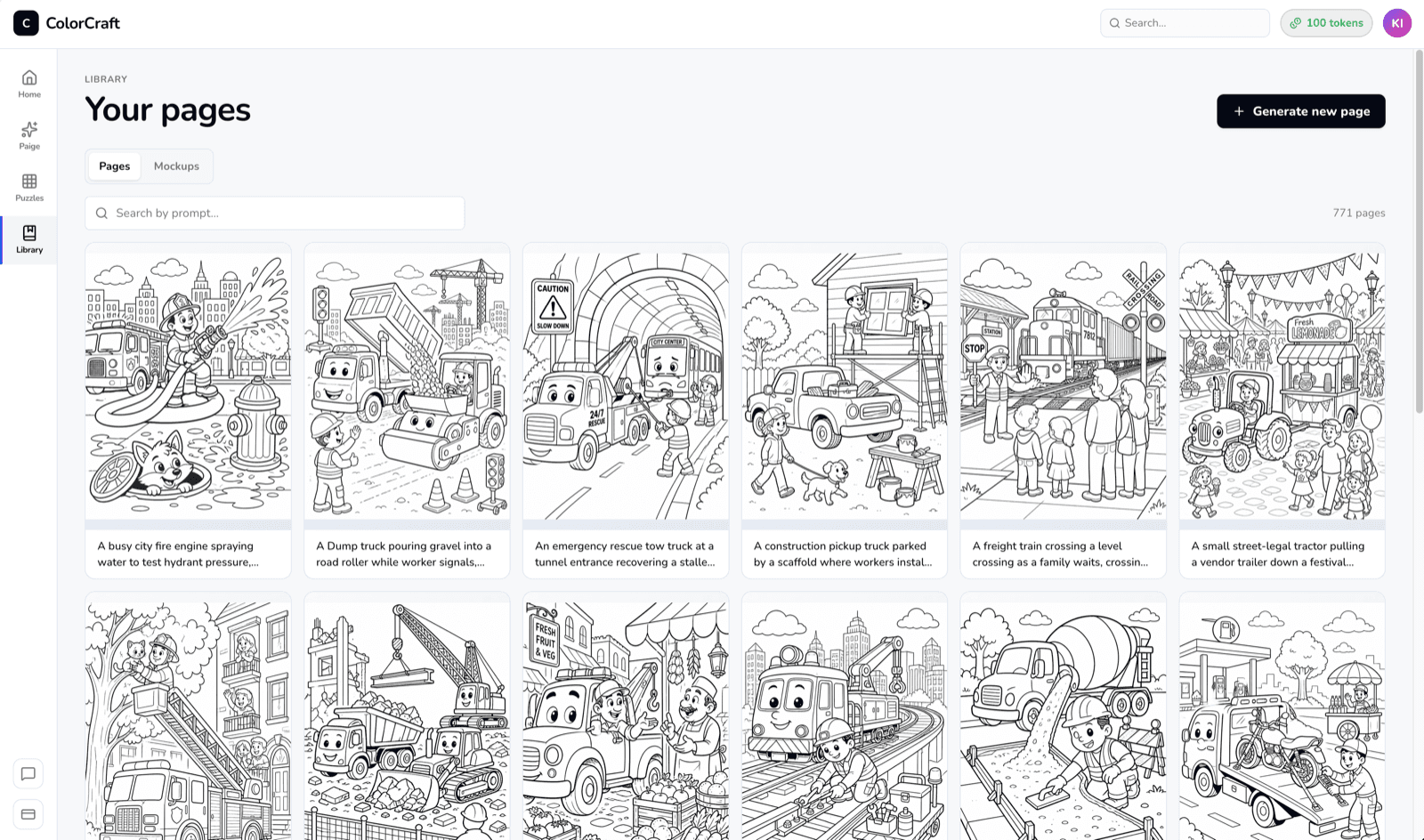
Pages and Mockups
Two tabs at the top:
- Pages — every coloring page, storybook illustration, and puzzle you’ve generated, newest first.
- Mockups — every 3D book mockup you’ve rendered for a cover. See 3D mockups.
Searching and paging
The search box filters by prompt text. Older results paginate at the bottom — the library keeps everything, not just recent items, so a page you made months ago is still reachable.
Generating a one-off page
If you just need a single page without spinning up a whole book, click Generate in the library header. It opens the same prompt modal Paige uses per-page and costs 1 token for a coloring page.
One-offs still cost tokens
Opening a page in the editor
Click any tile to open it in the editor. Everything you tweak there auto-saves back to the same page — the library thumbnail updates on your next visit.
Open your library
Every page you've ever generated, all in one place.