KDP publishing
Cover generator
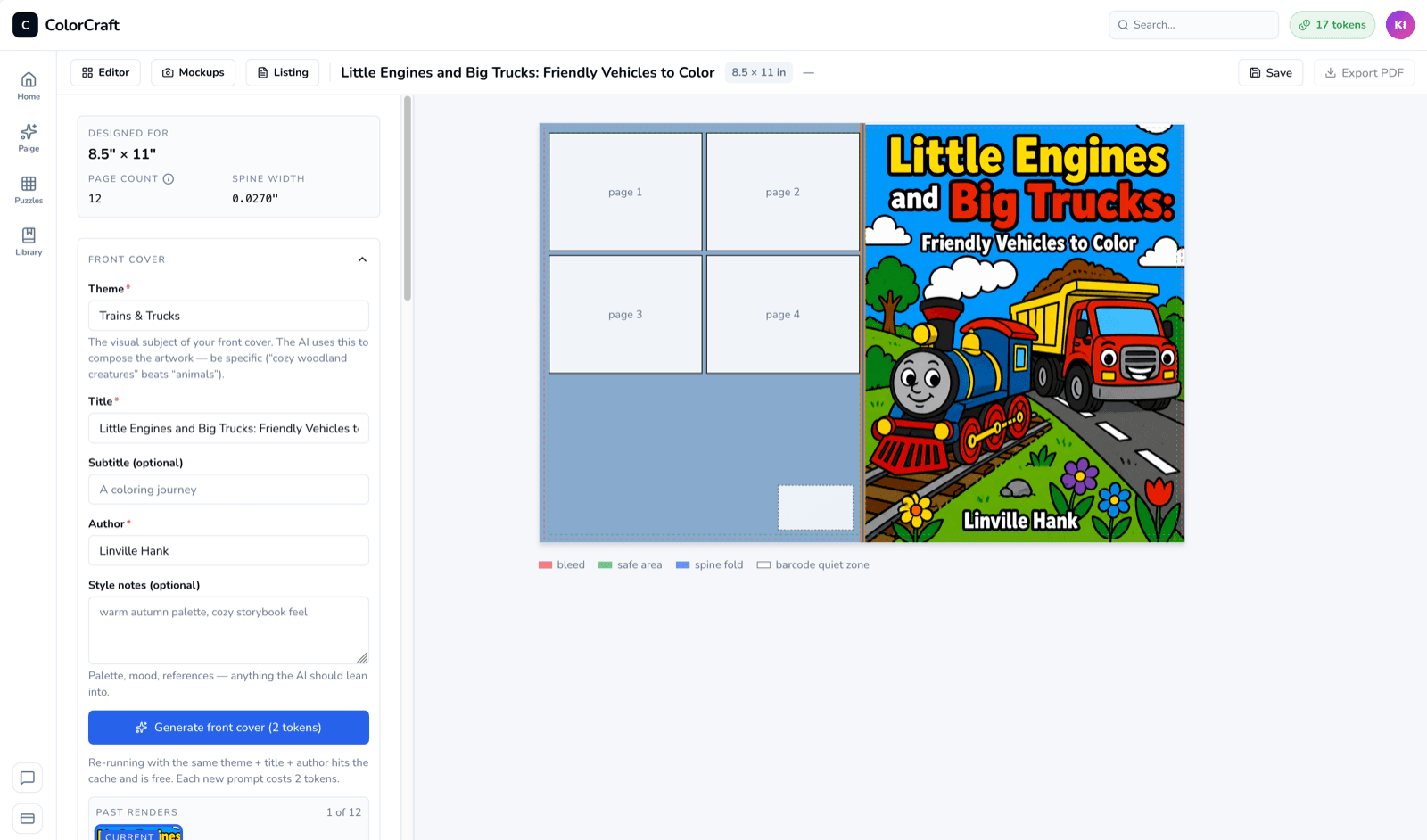
The cover generator turns a theme, title, and author into a print-ready KDP cover. Trim size and spine width are handled automatically from the interior of your book — you just pick the look.
Inputs
- Theme — the visual concept (“whimsical watercolor jungle animals,” “bold geometric mandalas”).
- Title and Subtitle — typeset on the cover as part of the render.
- Author — also typeset.
- Style notes (optional) — art direction beyond the theme.
Trim size is locked to what the project was created with, and spine width is derived from your page count and paper stock. This is the whole point — a valid KDP wrap PDF at the end without doing the math.
Front, back, spine
The generator focuses on the front cover art — that’s what buyers see in the KDP thumbnail. The back cover pulls from your listing description (or a hand-picked interior page as a grid), and the spine is auto-typeset with your title and author.
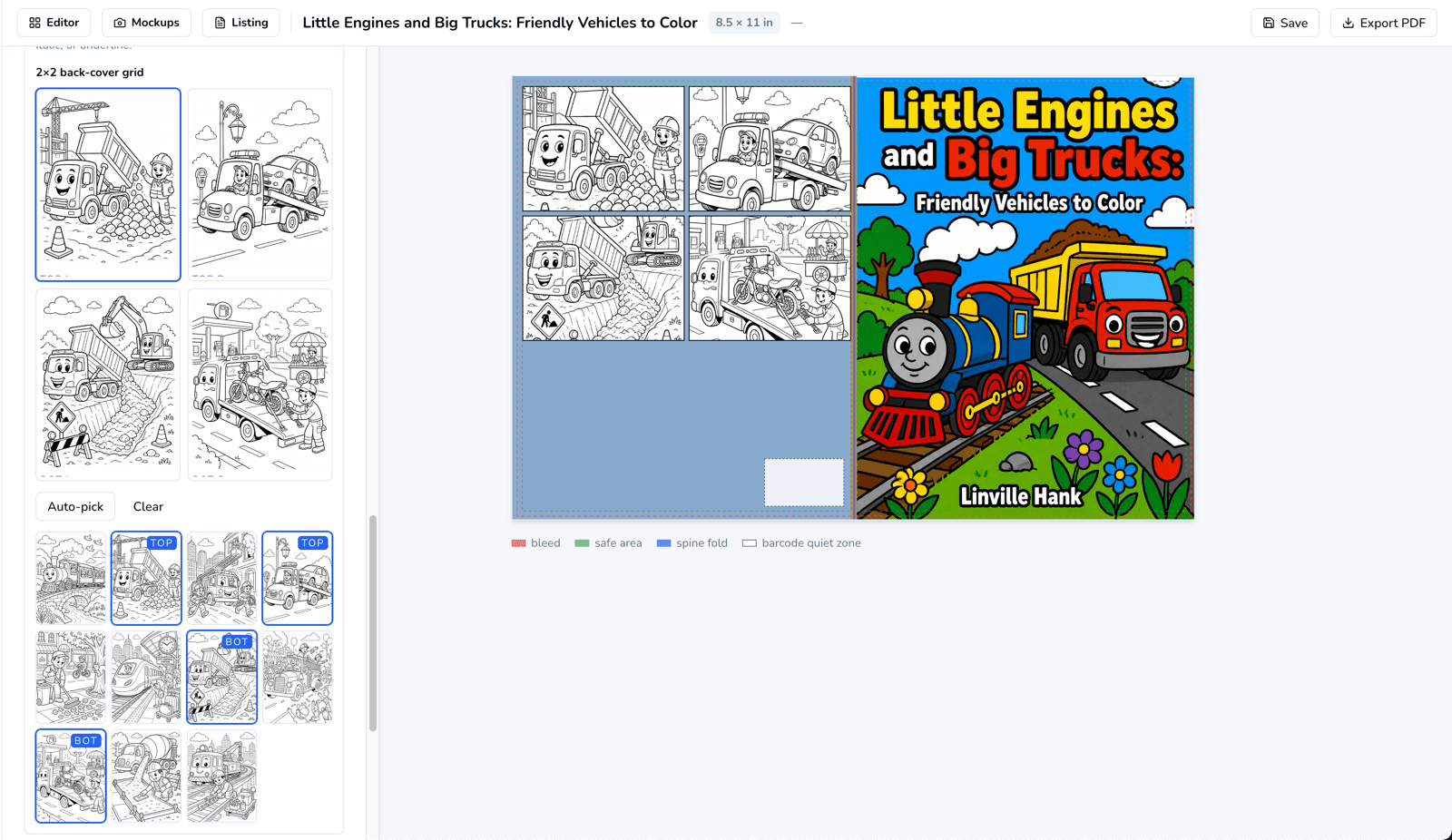
When everything looks right, Export wrap produces the full front+spine+back PDF at the exact bleed KDP requires.
Cost and caching
Generating the front costs 2 tokens. Re-generating with the exact same theme, title, and author is free — the result is cached. Only new prompts spend tokens.
Iterate cheaply
Past renders stick around in the cover-history strip so you can flip back to a version you liked without regenerating.
Open the cover generator
Pair the book you generated with a matching front cover in under a minute.