Editor
Replacing a page’s picture
Not every picture lands. You can give any page a new picture — with the same prompt for another roll of the dice, or a reworded one to steer the result — and keep the page where it is in the book. Each new picture uses 1 page from your balance.
Replace a page’s picture
- 1
Open the page
Open the book in the editor and click the page’s thumbnail in the strip along the bottom.
- 2
Switch Coloring Page to Current Page
In the left sidebar, open Coloring Page. Under Place Image On, click Current Page.
- 3
Write the prompt
Type what the page should show in Prompt. To start from the wording you used before, open Prompt History, click Use this → next to it, then open Coloring Page again and edit the text. You can also pick a different Style for this page.
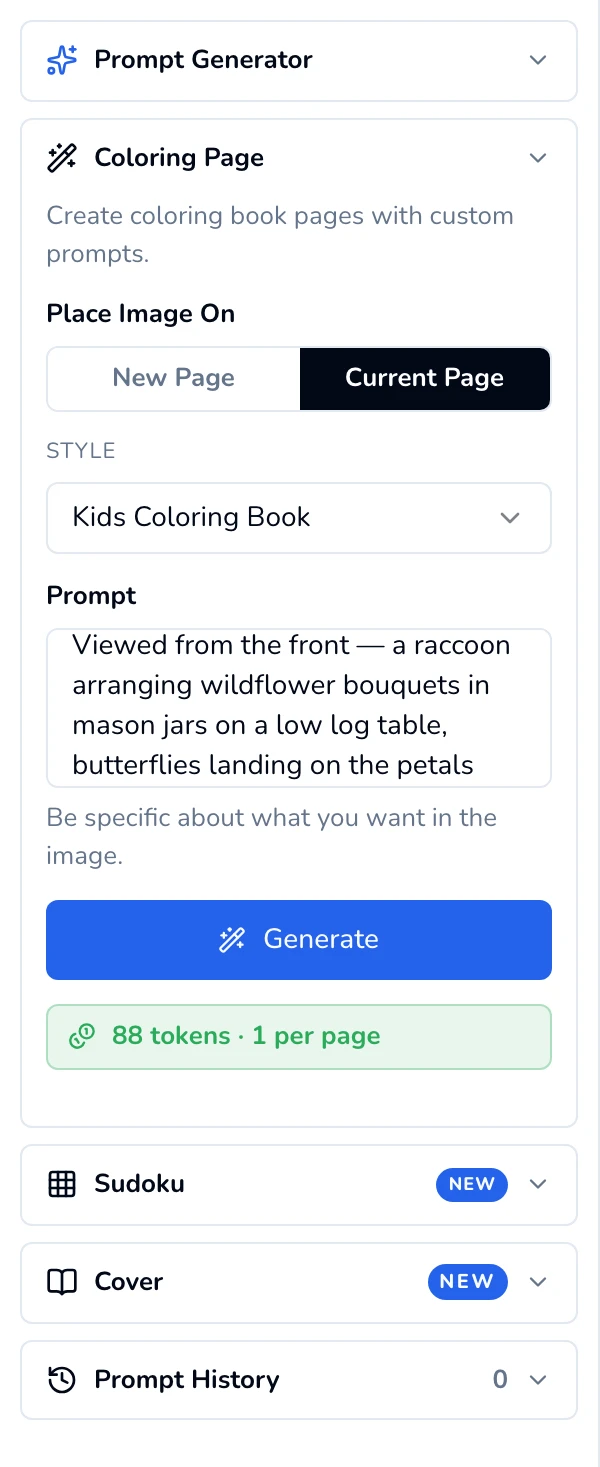
Current Page selected, prompt reworded. - 4
Click Generate, then Replace this page's image
Click Generate. Because the page already has a picture, a window asks “Page N already has an image”:
- Replace this page’s image swaps the picture.
- Add to a new page instead keeps the old page and adds the new picture as an extra page at the end, so you can compare them and delete the one you don’t want.
- Cancel changes nothing and costs nothing.
Either way the new picture uses 1 page from your balance.
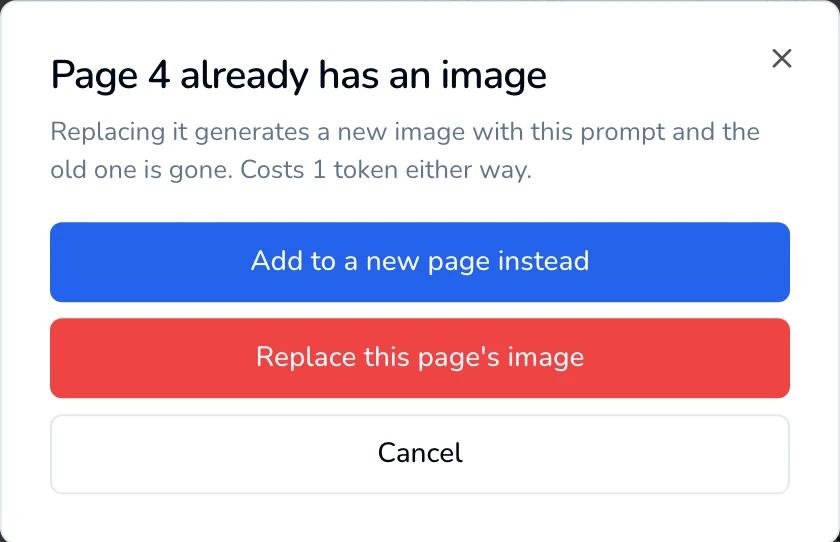
Replace the picture, or add it as a new page to compare. - 5
Wait for the new picture
The page shows Replacing image… while the new picture renders. When it’s done you’ll see “Page updated — The current page now uses your new image.”
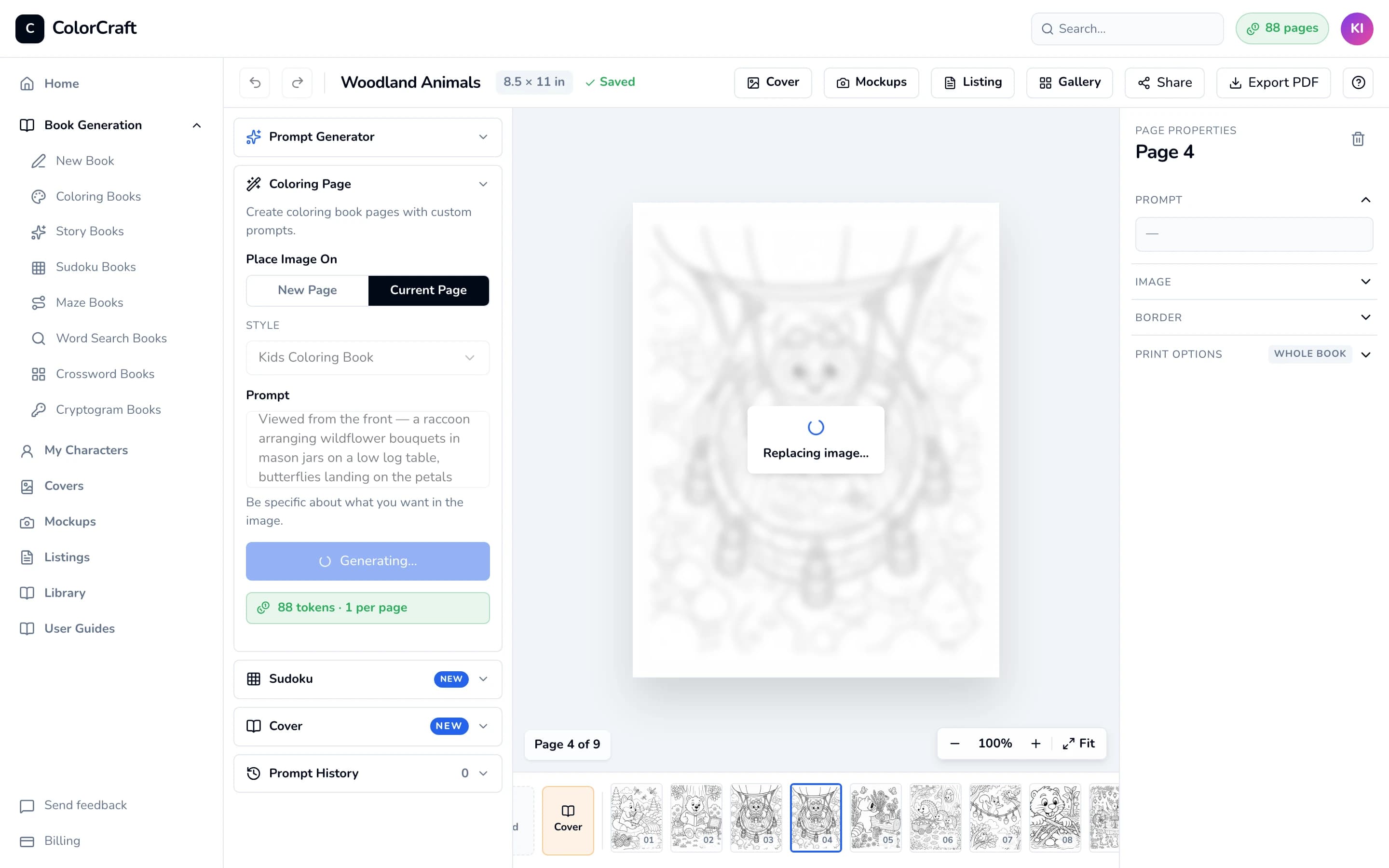
Replacing: the page stays in place while the new picture renders. 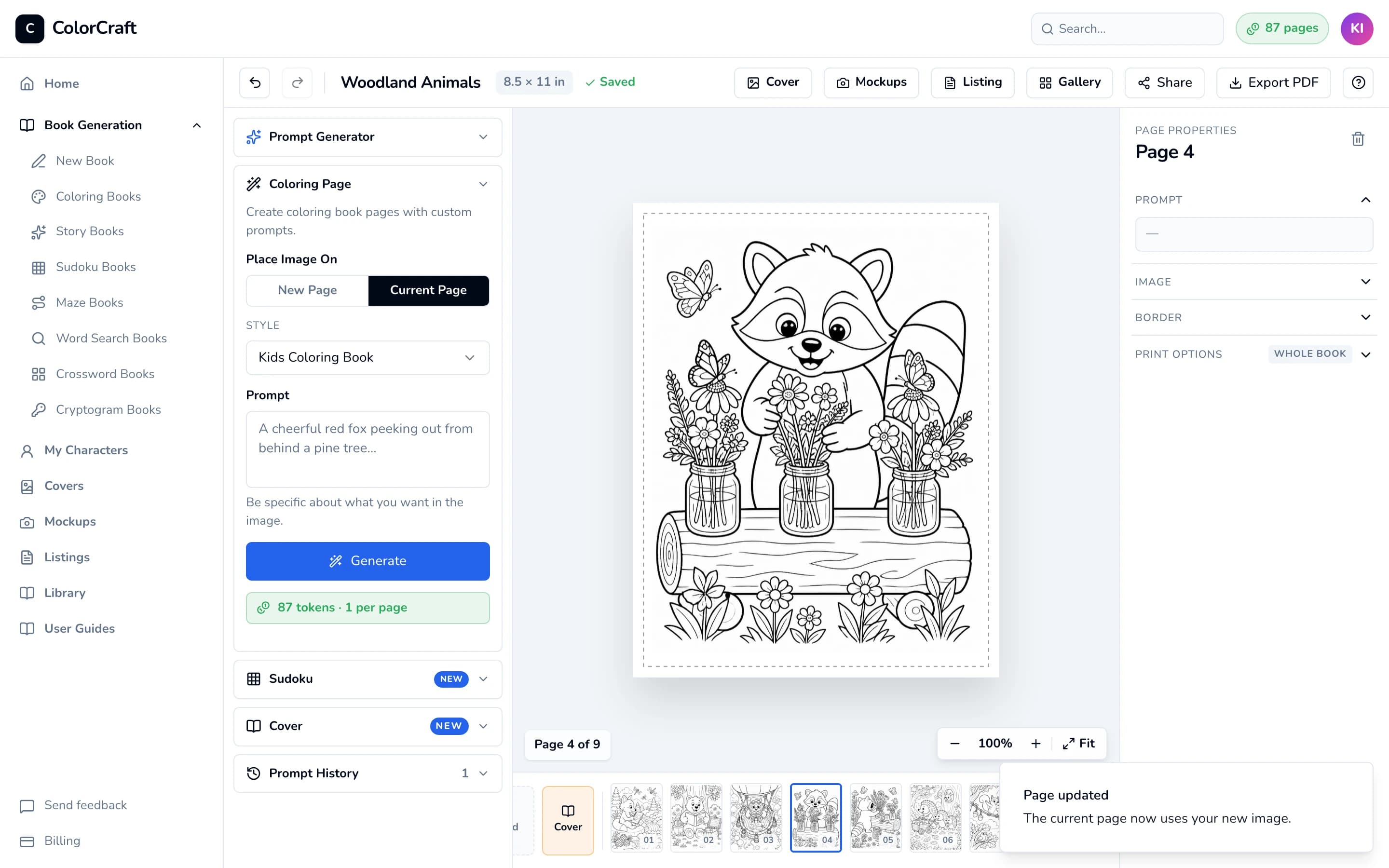
Done: same page, new picture.


The page keeps its place in the book, its border and any text. The new picture is placed at the standard size, centered — if you had resized or moved the old one, adjust it again under Image in the right sidebar.
Changed your mind?
Click Undo (or press Cmd/Ctrl + Z) to bring the previous picture back. This works until you reload the page; the page the new picture used from your balance isn’t refunded. If you’re unsure, use Add to a new page instead so you can keep whichever you like better.
Tips for a better result
- Be specific about the subject, what it’s doing and the setting: “a hedgehog carrying an acorn along a mossy log” beats “a hedgehog”.
- Keep to one main subject per page; busy scenes come out cluttered.
- Too detailed or too simple for your readers? Try a different Style, such as Kids Coloring Book for young children.
- Running the same prompt again gives a different picture each time.
If something goes wrong
- “No page selected — Add a page first or switch to "New Page".” Click a page in the strip first.
- “Generation failed” with a reason: click Generate again. A generation that fails doesn’t come off your balance.
- No pages left: the Out of pages panel opens with a button to get more. See Pages & billing.
- If the Prompt section on the right shows a Regenerate with this prompt → link, it re-renders that page with its original prompt without using your balance (five times a day). Most pages don’t have it — use the steps above.
Storybook pages
Open your books
Pick a book, open the page you want to redo, and give it a new picture.
ColorCraft’s 7-day trial needs a card.