AI Children's Book Generator with Consistent Characters & Full Text Editing
From story brief to complete book — same characters on every page, editable text, covers, and mockups.
Free trial · Card required · Plans from $9/month · Cancel anytime
40,000+ pages created · Built for Amazon KDP
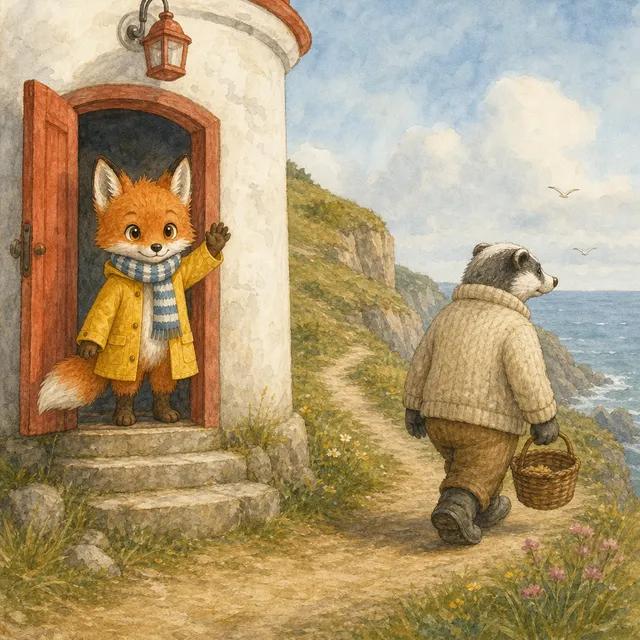
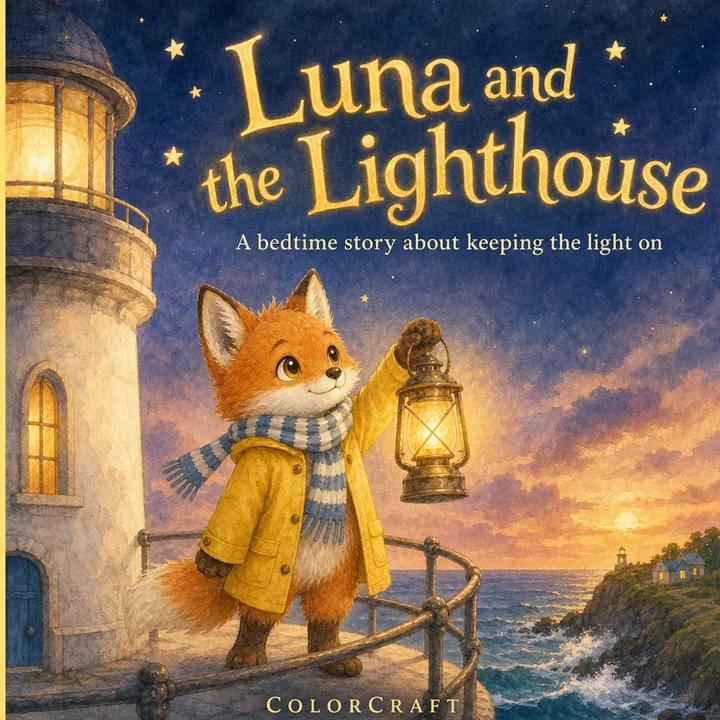
A picture book, from your idea to the last page
Tell ColorCraft who the story is about, how old your reader is and how many pages you want. AI writes the story scene by scene for you to read and edit first, then illustrates every page in one of 12 picture-book styles, with the same characters on every page. Change any word or picture in the editor, then export a print-ready PDF and a matching cover wrap, or print it at home.
Turn the pages of a book made with ColorCraft.
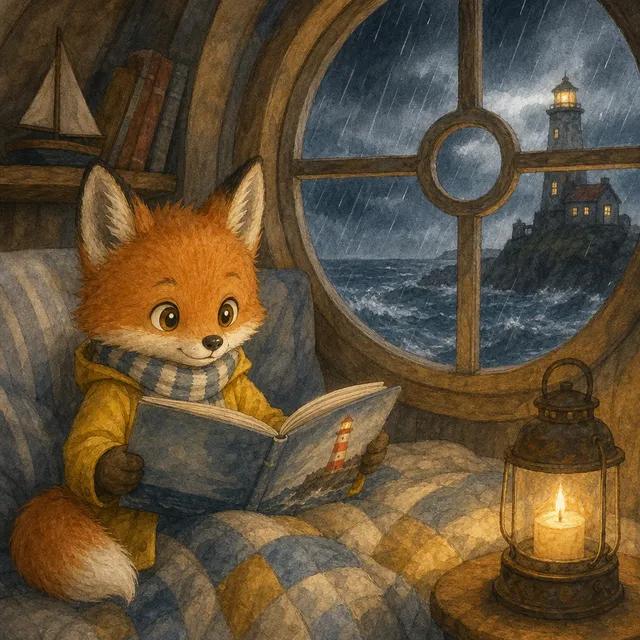
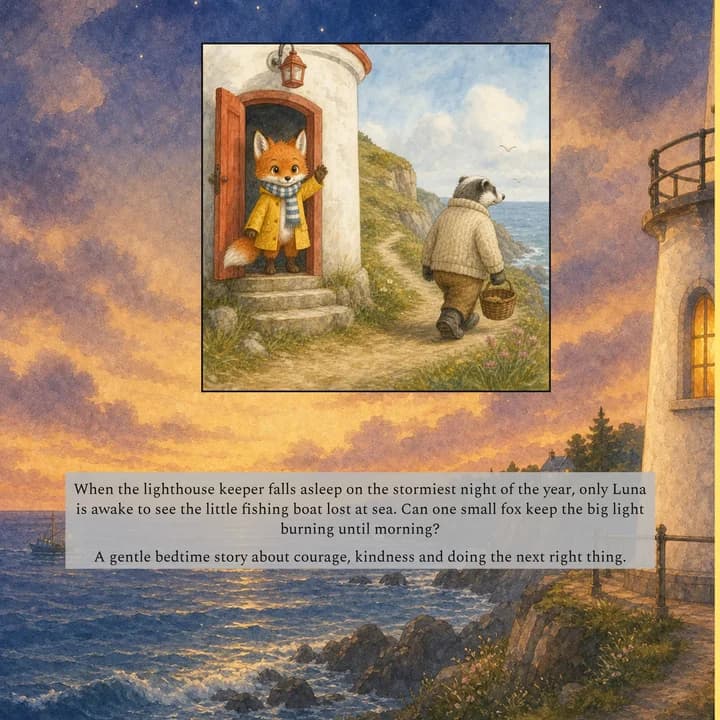
The cover
Chapter One
The Same Character. On Every Page.
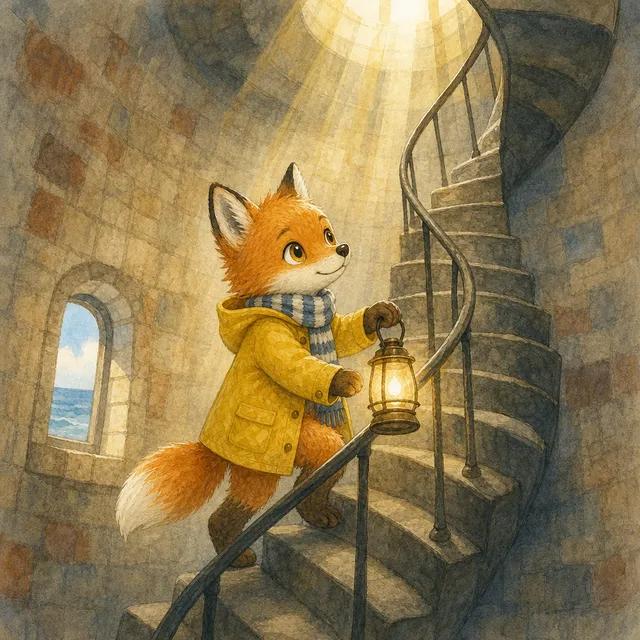
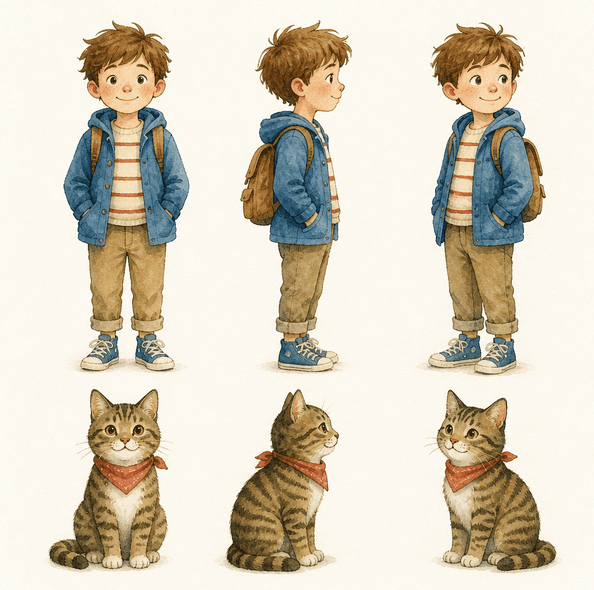
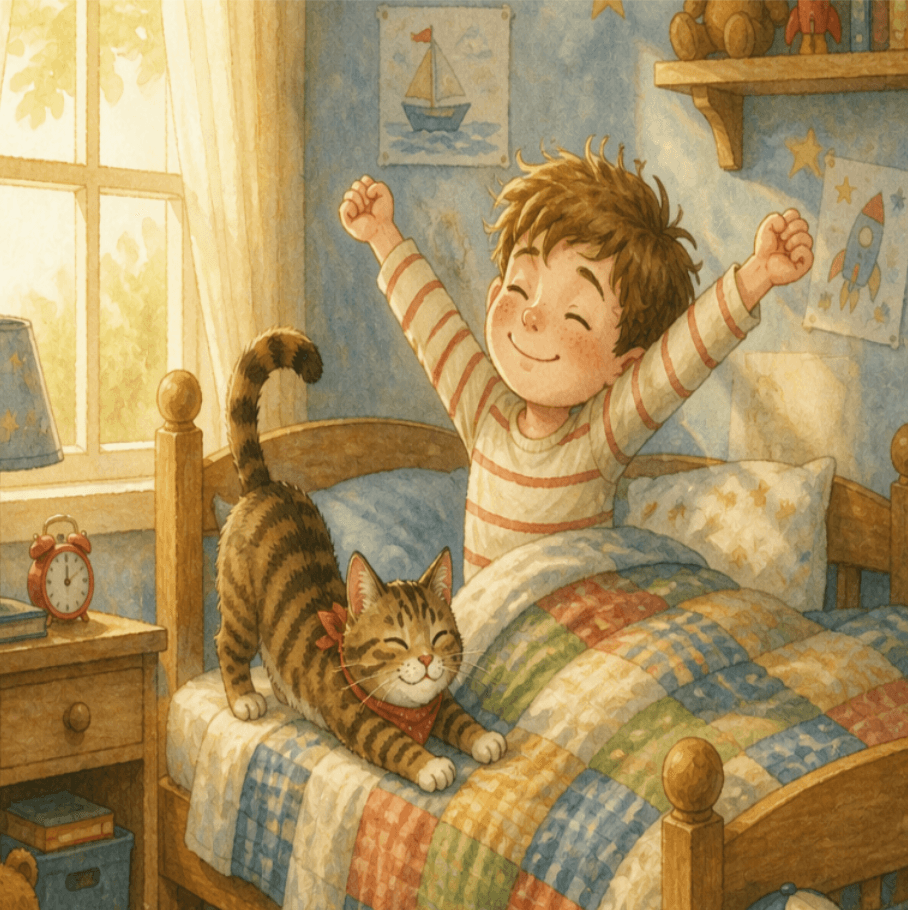
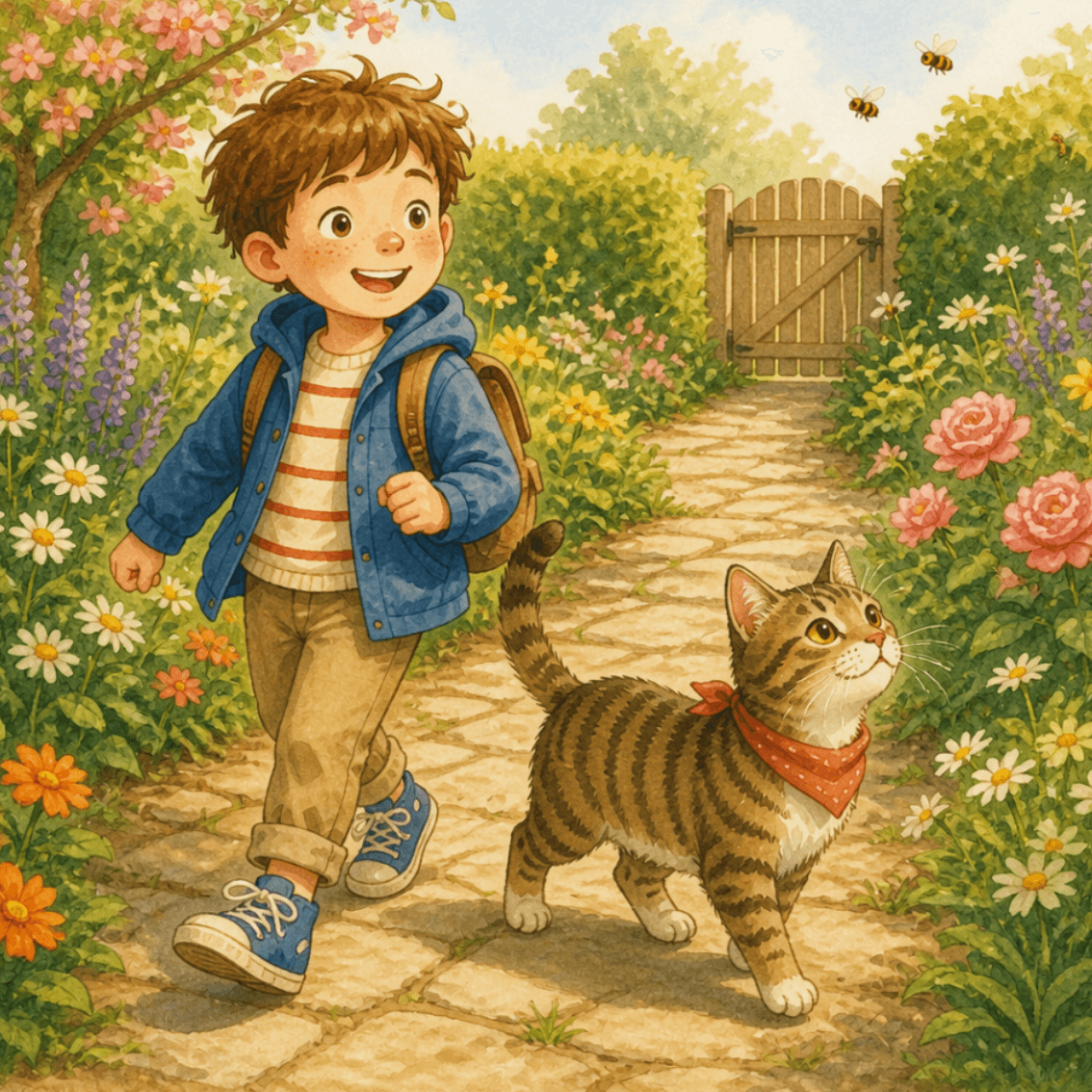
Most AI tools start fresh for every image — your hero looks like a stranger on page 3. ColorCraft generates a character reference sheet before it draws a single scene, then anchors every illustration to it. Same face, same colors, same proportions throughout the book.
Chapter Two
How It Works
Describe your story.
Enter your plot overview, character descriptions, target age range, and page count (4–48 pages).
Choose your style.
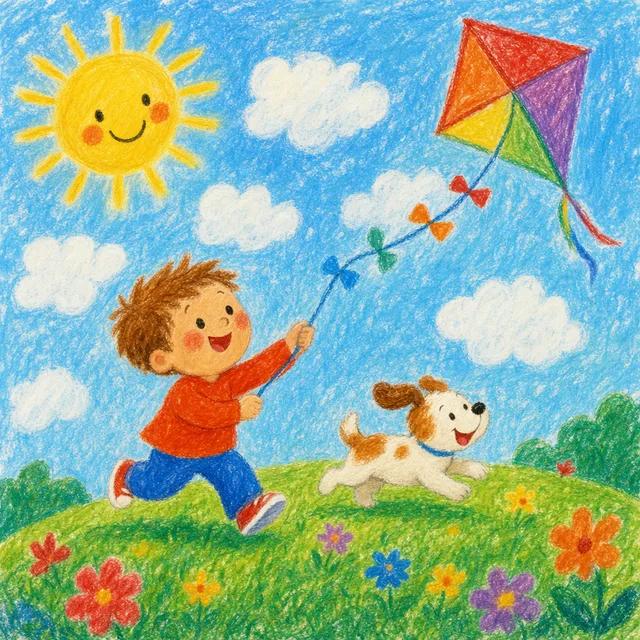
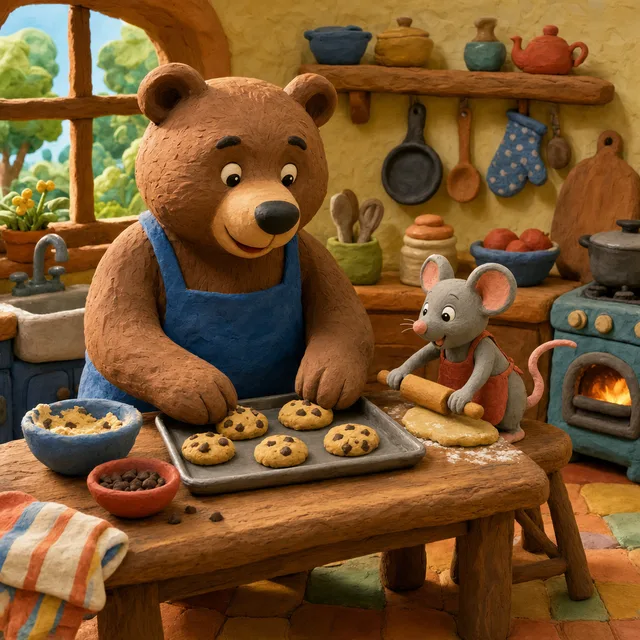
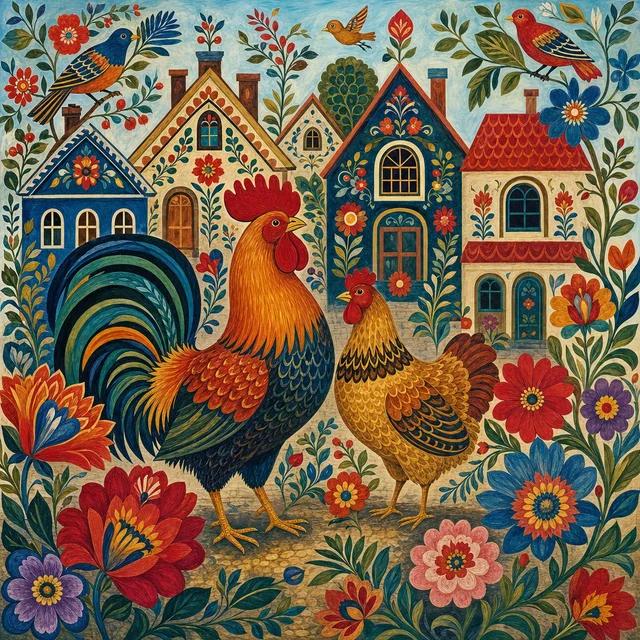
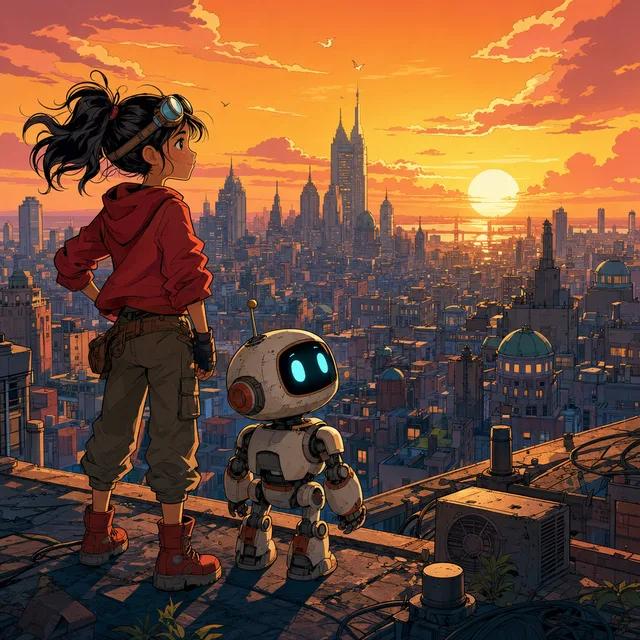
Pick from 12 styles, from Cute Cartoon and Watercolor Storybook to Graphic Novel — each tuned for picture-book illustration.
AI illustrates every page.
Each scene is drawn from reference images of your characters — the photos or picked looks you saved for them, or else a character sheet ColorCraft draws first — to keep faces, colors and proportions consistent.
Export and publish.
Download a print-ready PDF and AI-generated cover wrap. Upload to Amazon KDP or print at home.
Chapter Three
Choose Your Illustration Style
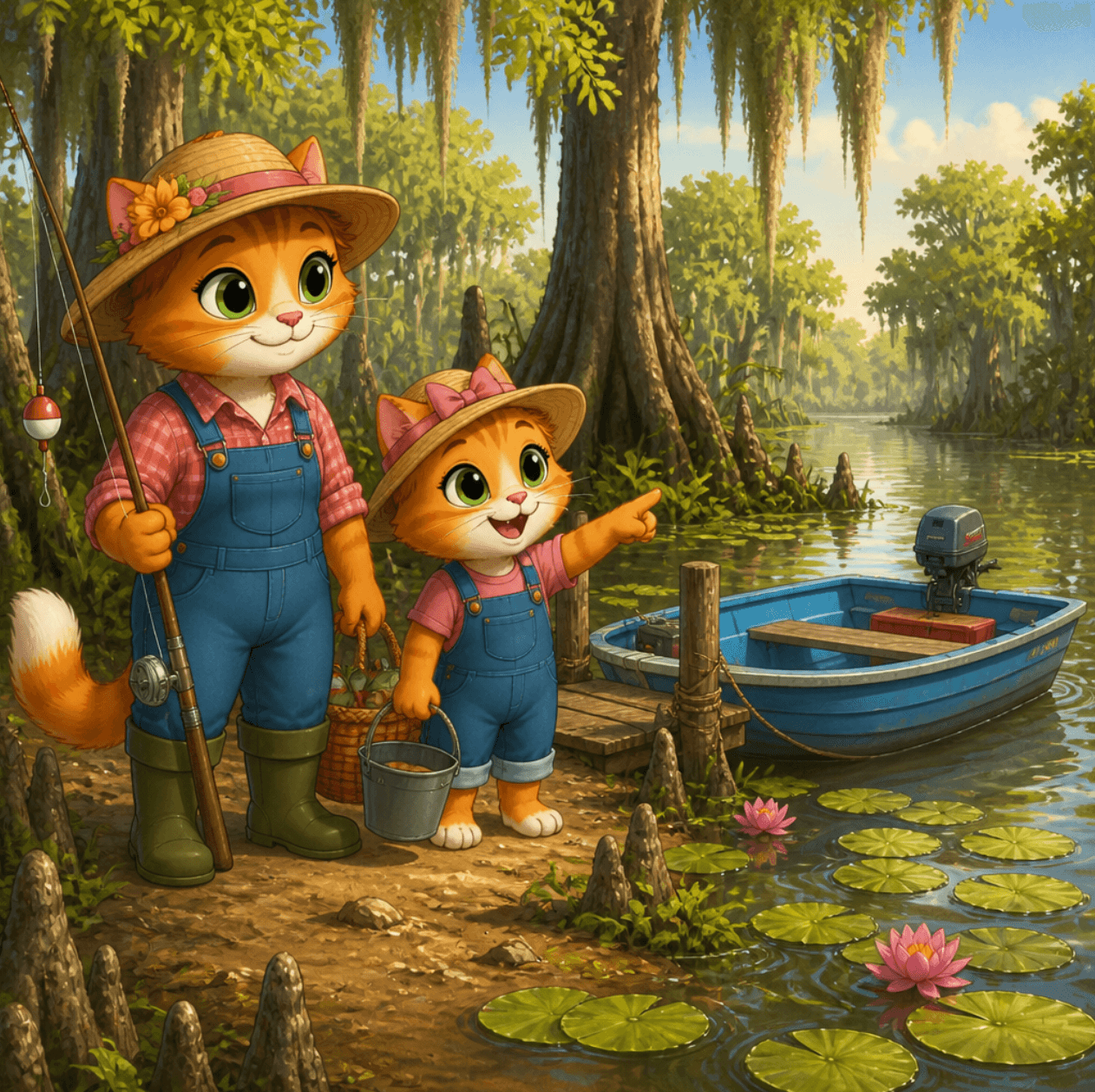
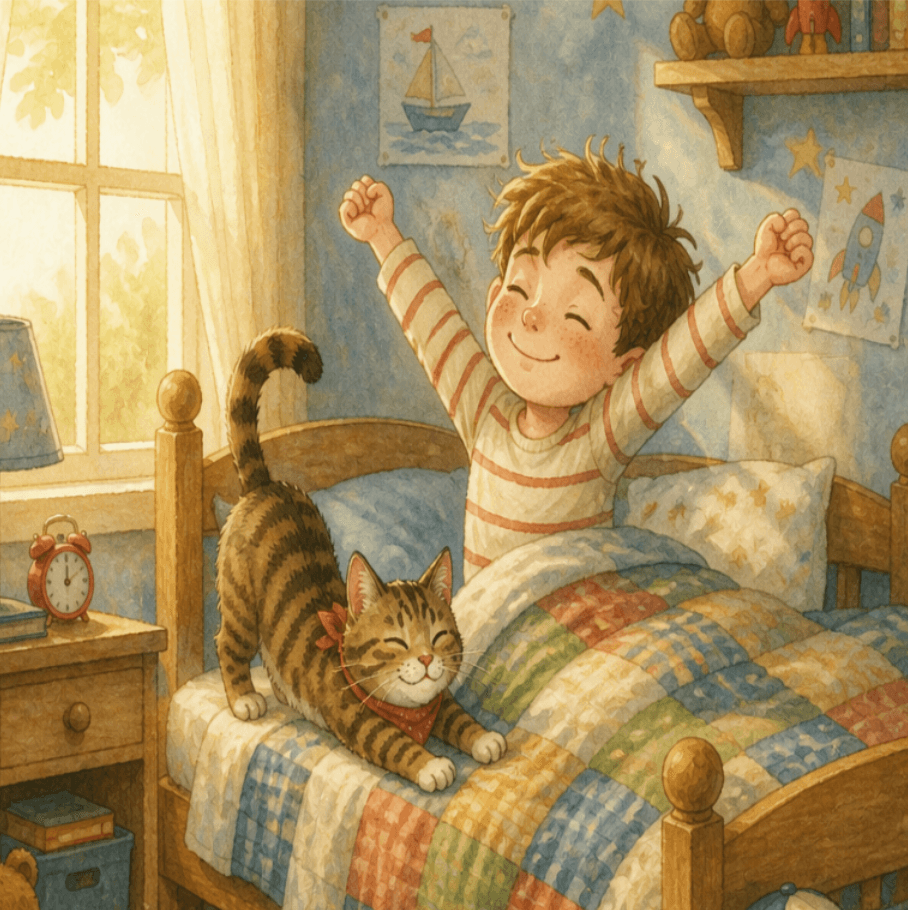
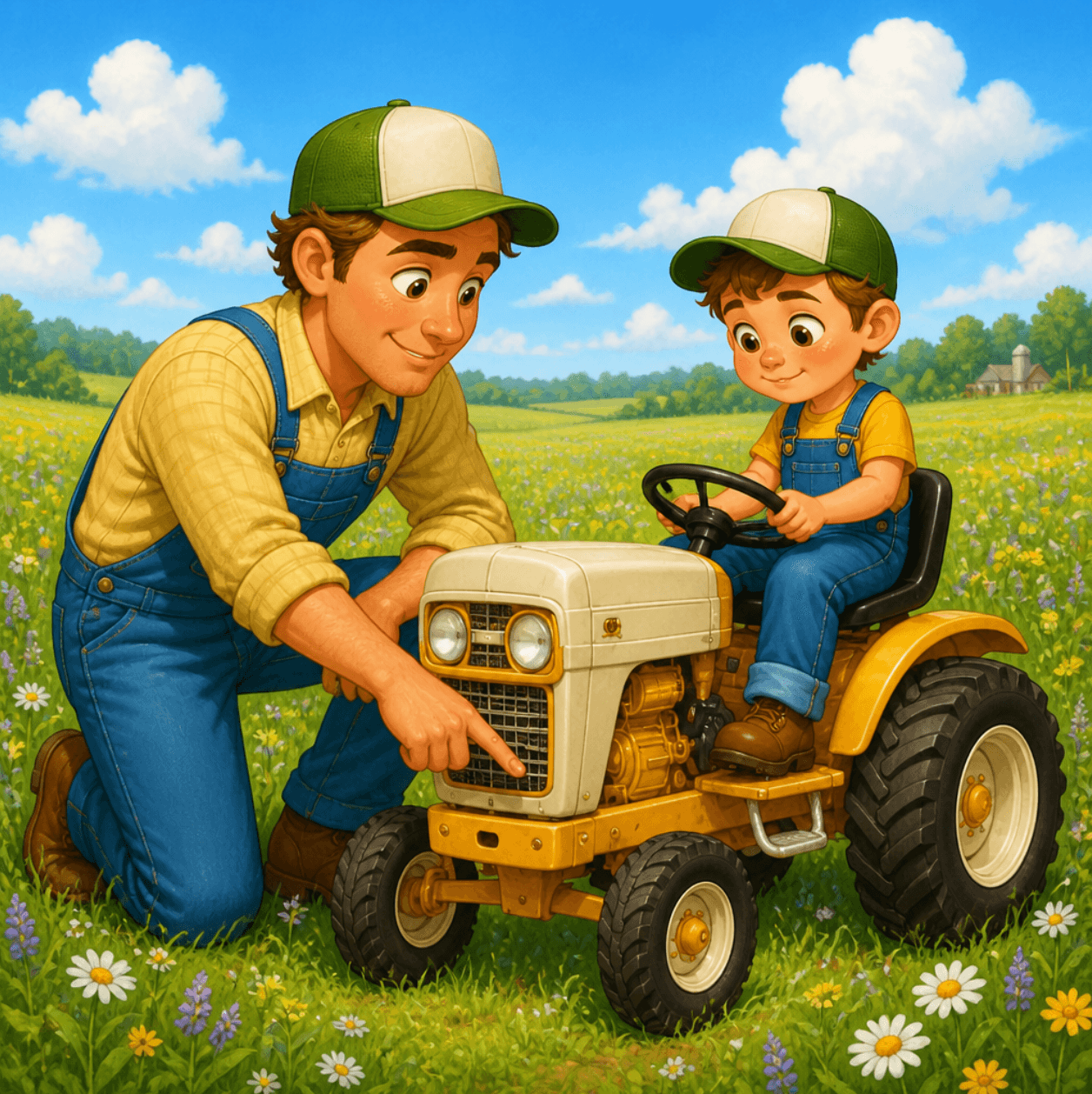
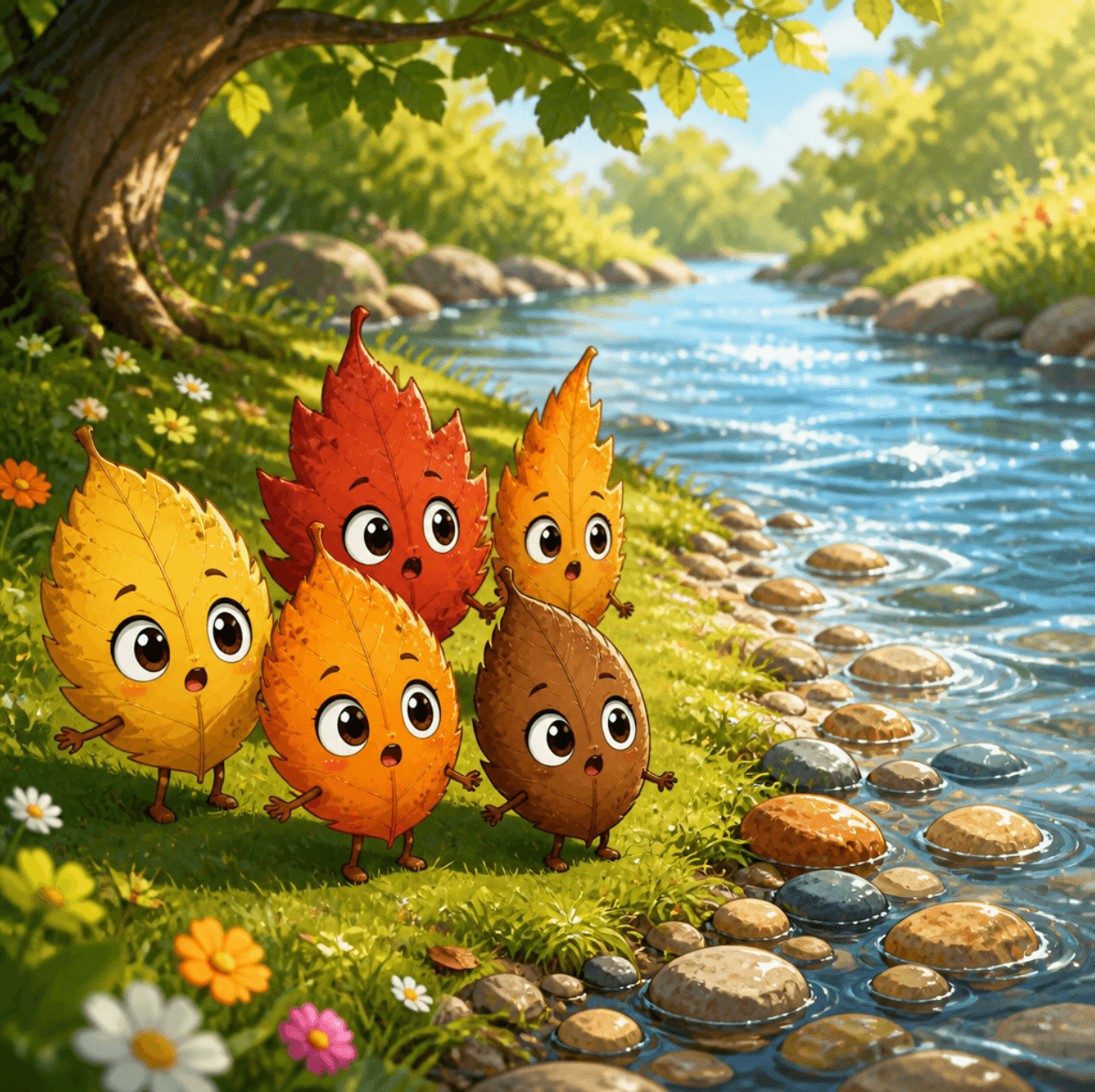
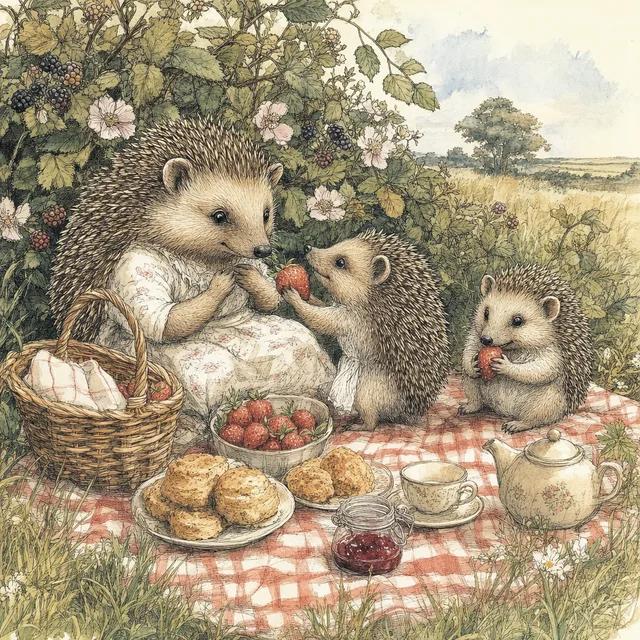
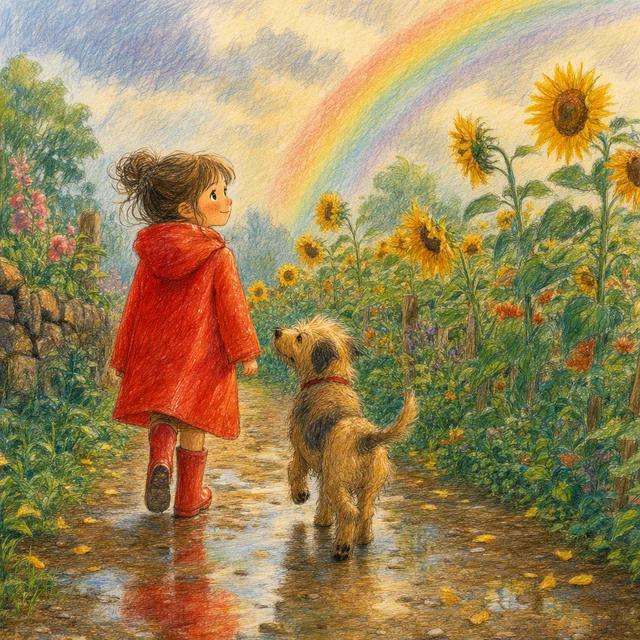
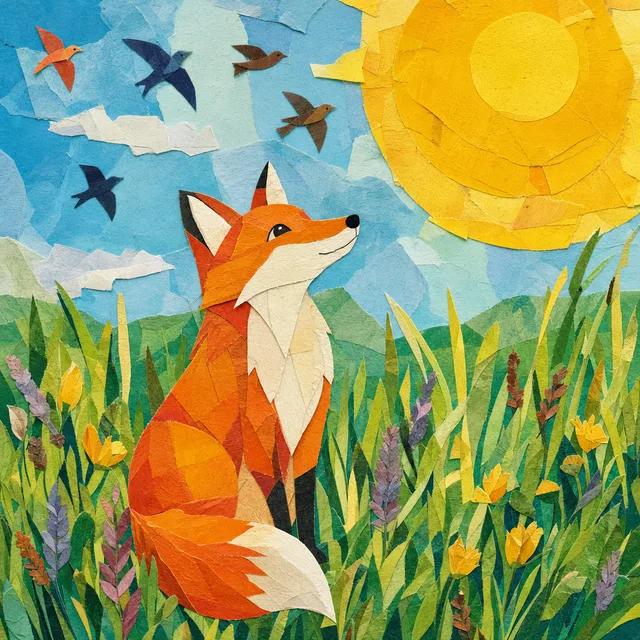
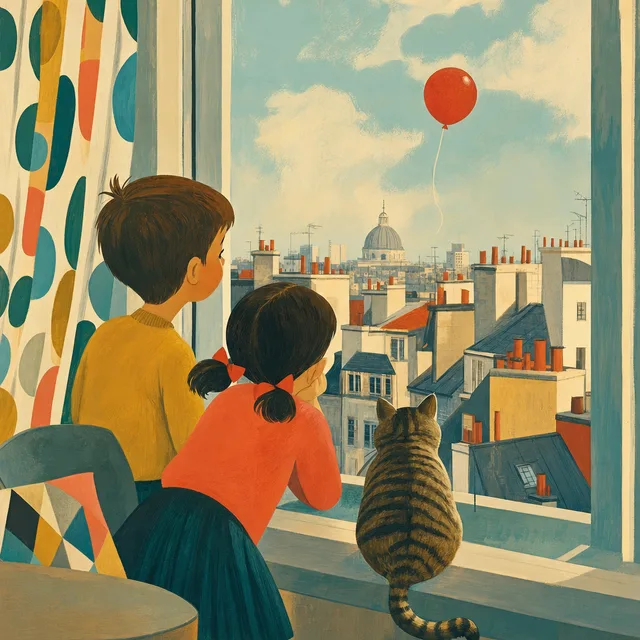
Chapter Four
Everything You Need to Publish
Character consistency.
Save your characters with photos or a picked look and every illustration uses those as its reference. Without them, a character reference sheet is drawn first and used instead.
AI story bible.
AI writes the scene-by-scene narrative and image prompts. Review and edit before a single image is generated.
Time-of-day lighting.
Set dawn, golden hour, or night per page. The AI adjusts color temperature and atmosphere automatically.
AI-generated cover.
Full KDP wrap — front illustration, spine, and back cover — in the same style as the interior.
Narrative text.
Place story text on each page as an editable text box. Font, size, and position are all controlled in the editor.
Print-ready PDF.
Exported at your book's trim (8.5×8.5, 8×8, 8.5×11, 8×10, 7×10, 6×9), built to KDP's specifications.
Who Creates With ColorCraft
For parents & grandparents.
Create a bedtime story starring your child — their name, their pet, their favorite adventure. A gift they'll remember.
For authors & illustrators.
Already wrote your picture book? Upload the manuscript and ColorCraft illustrates it page by page, keeping your words exactly as written. Or prototype a new idea in an afternoon.
For gift-givers.
A personalized, fully illustrated storybook makes a memorable gift. Download the finished book as a PDF to print at home or at a local print shop.
The End
…or just the beginning.
Your Story Deserves Beautiful Illustrations.
Free trial · Card required · Plans from $9/month · Cancel anytime
Trial downloads are watermarked previews. The print-ready file comes with your plan, or unlock one book for $24.